No products added!

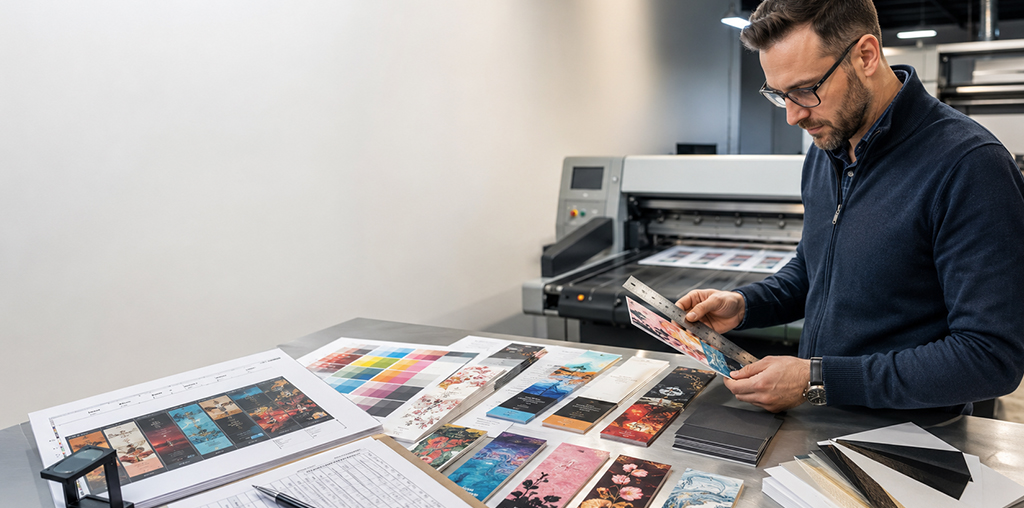
Custom Bookmark Printing Melbourne requires specific design settings to ensure your final product looks professional and polished. In the early stages of design, you also need to know the distinction between safety margins and bleed zones. Proper preparation prevents white edges from appearing after the cutting process at the printing facility. You should set up your document correctly to avoid common mistakes that delay your production timeline. You may make a stunning bookmark that readers will genuinely adore by following these easy steps.
Key Components of a Bookmark Layout
Understanding the Importance of the Bleed Area
The bleed area allows your background colors or images to extend beyond the final trim size. Moreover, a standard bleed for Bookmark Printing Melbourne usually measures three millimeters on every single side. When the enormous paper sheets are being cut, this additional space acts as a safety net. Your design elements must be dragged all the way to this zone’s outer edge. This ensures that no thin white lines appear if the blade shifts slightly during the trimming.
Defining the Internal Safety Margin
Safety margins protect your important text and logos from getting cut off during the final production stage. Furthermore, a professional Bookmark Printing Company Melbourne recommends keeping your content at least five millimeters from the edge. This internal border creates a balanced look and ensures that your message remains fully visible and clear. You should place all vital information inside this safe zone to maintain a very clean appearance. A well-placed margin gives your design enough breathing room to look professional and aesthetically pleasing.
Essential Technical Steps for Design Success
Successful Custom Bookmark Printing Melbourne starts with a properly configured digital file in your design software. Additionally, you should double-check these specific settings before you export your final artwork for the printer. Creating a checklist helps you avoid the common mistakes that lead to costly reprinting and delays. Each of these steps plays a vital role in ensuring that your final bookmarks look professional. You must take your time to review every detail before sending the file to production.
- Set the document color mode to CMYK for accurate and vibrant color reproduction results.
- For crisp printing quality, make sure every image has a resolution of at least 300 DPI.
- Add a three-millimeter bleed to all four sides of your bookmark design file template.
- Keep all essential text and branding elements within the five-millimeter safety margin zone clearly.
Selecting the Best File Format for Production
For a top-notch Bookmark Printing Melbourne experience, you must export your documents in the right format. Consequently, you should save your finished design as a print-ready PDF with high-resolution settings enabled. This format preserves your fonts and images while keeping the bleed and margin settings intact for production. You must avoid using low-quality file types that might cause pixelation or blurry text on the paper. Providing a clean file allows the technicians to process your order quickly and with much higher accuracy.
Achieving Professional Results with Mojo Press
Setting up your bleed and margins correctly ensures that your Custom Bookmark Printing Melbourne project is successful. Additionally, Mojo Press offers professional advice to assist you in navigating the technical facets of the printing process. You can create stunning marketing tools or personal gifts by following these simple professional design standards. A stunning and superior finished product is ensured when you rely on a reputable Bookmark Printing Company in Melbourne like Mojo Press. Start your design today and see how professional settings transform your creative ideas into a reality.
Frequently Asked Questions
Mojo Press offers Custom Bookmark Printing Melbourne to help you create unique and high-quality reading accessories for your brand.
A bleed prevents white edges by extending your design beyond the trim line at the Mojo Press production facility.
Mojo Press recommends a five-millimeter safety margin to keep your text safe from being accidentally cut during trimming.
Yes, Mojo Press provides professional Custom Bookmark Printing Melbourne services with expert advice on your digital file setup.
Mojo Press prefers high-resolution PDF files to ensure the best results for your professional Bookmark Printing Melbourne project.
You can contact Mojo Press, a top Bookmark Printing Company Melbourne, through their official website for a custom quote.
Mojo Press offers both single and double-sided options for your next Custom Bookmark Printing Melbourne project or personal gift.
Mojo Press prints various sizes, but the most common size is fifty by one hundred fifty millimeters for bookmarks.
Mojo Press requires a resolution of 300 DPI to ensure your bookmarks look sharp and professional after the printing.
Yes, Mojo Press efficiently manages large bulk orders for Custom Bookmark Printing Melbourne with a very fast turnaround time